ChatPic – Official Private Image Sharing & Talk APP
Share your images privately with secure links, expiration controls, view limits, and automatic deletion. Upload your images, set your preferred access options, and share them without requiring an account.
Secure Links
Keep your images private
Expirations Controls
Set how long it stays
View Limits
Control who can view
Auto Deletion
Remove after use
Leave blank = expires in 7 days
Link dies automatically after this many views.
🔥 The image is deleted immediately after the first view — one-time only.
This share is password-protected.
Wrong password.
Sharing images is a regular part of our everyday communication. Whether you are sending a personal photo, work sample, or important visual information. But when an image is private and meant to be shared for a short time, regular image-sharing apps may not give you enough control. You may want to decide who can access it, how long the link stays active, or how many times it can be viewed. To solve these issues, we offer ChatPic, a free and secure private image-sharing tool for temporary and controlled sharing.
With ChatPic, you can upload images, create a private share link, and choose access settings that suit your needs. You can set an expiration time, limit views, add password protection, or use Burn After View to make an image disappear after viewing. It also provides a private dashboard to monitor views, check remaining access time, and manage your shared images. Whether you are sharing a personal photo, screenshot, client preview, or temporary image, ChatPic makes sharing simple and more controlled.
What is ChatPic?
ChatPic is a private image-sharing tool built for temporary and controlled image sharing. It lets you share images through private links instead of public image galleries. Each share can have its own access rules based on your selected settings. It is useful for photos, screenshots, client previews, and other temporary images. The simple sharing process makes it easy to send images without unnecessary steps.
ChatPic also provides secure viewing and simple share management features. Session ID watermarking can help trace images if they are captured and leaked. You can monitor your active shares and manage them through a private dashboard. The dashboard also shows useful information about views and remaining access time. This gives you better control over your images after they have been shared.
Core Features That Made ChatPic Popular
ChatPic combines simple image sharing with useful privacy and access-control features. Below are the complete details of all its key features that make it practical for temporary image sharing.
Instant uploads
The tool lets you upload images instantly without any complicated process. You can upload up to 10 images in a single share at a time. Each image can be up to 25MB, making sharing convenient. After uploading an image, it will create a private link for your images, which you can share with the person you want to give access to.
Zero registration
Creating an account just to send a temporary image can be unnecessary. ChatPic removes this extra step and lets you start sharing without registration. Simply upload your images and choose the access settings you need. It also makes the service convenient when you need to share images securely and quickly with someone.
Unlimited storage
Not every image needs to remain available after it has served its purpose. ChatPic lets you decide when access to a shared image should end. You can select an expiry period or limit the number of times it can be viewed. This gives temporary images a defined lifespan instead of leaving them online indefinitely.
Mobile friendly
Image sharing often happens directly from a smartphone, so convenience matters. The tool provides a straightforward experience that works across modern devices. You can upload images, open private links, and manage your shares without complicated navigation. This makes it practical for sharing images wherever you are.
Auto-delete after use
Some images should disappear once they are no longer needed. ChatPic can remove shared images after your selected expiry or viewing conditions are reached. The Burn After View option is useful when an image is intended for one-time viewing. It helps reduce the chance of temporary images remaining accessible for too long.
Password protection
A private link does not always provide enough control for sensitive images. ChatPic lets you add a password so viewers need an additional credential to access the share. This gives you another way to restrict access to the people you intend to share with. It is particularly useful when sending images that contain private or sensitive information.
Why ChatPic Feels Different from Other Image Sharing Sites
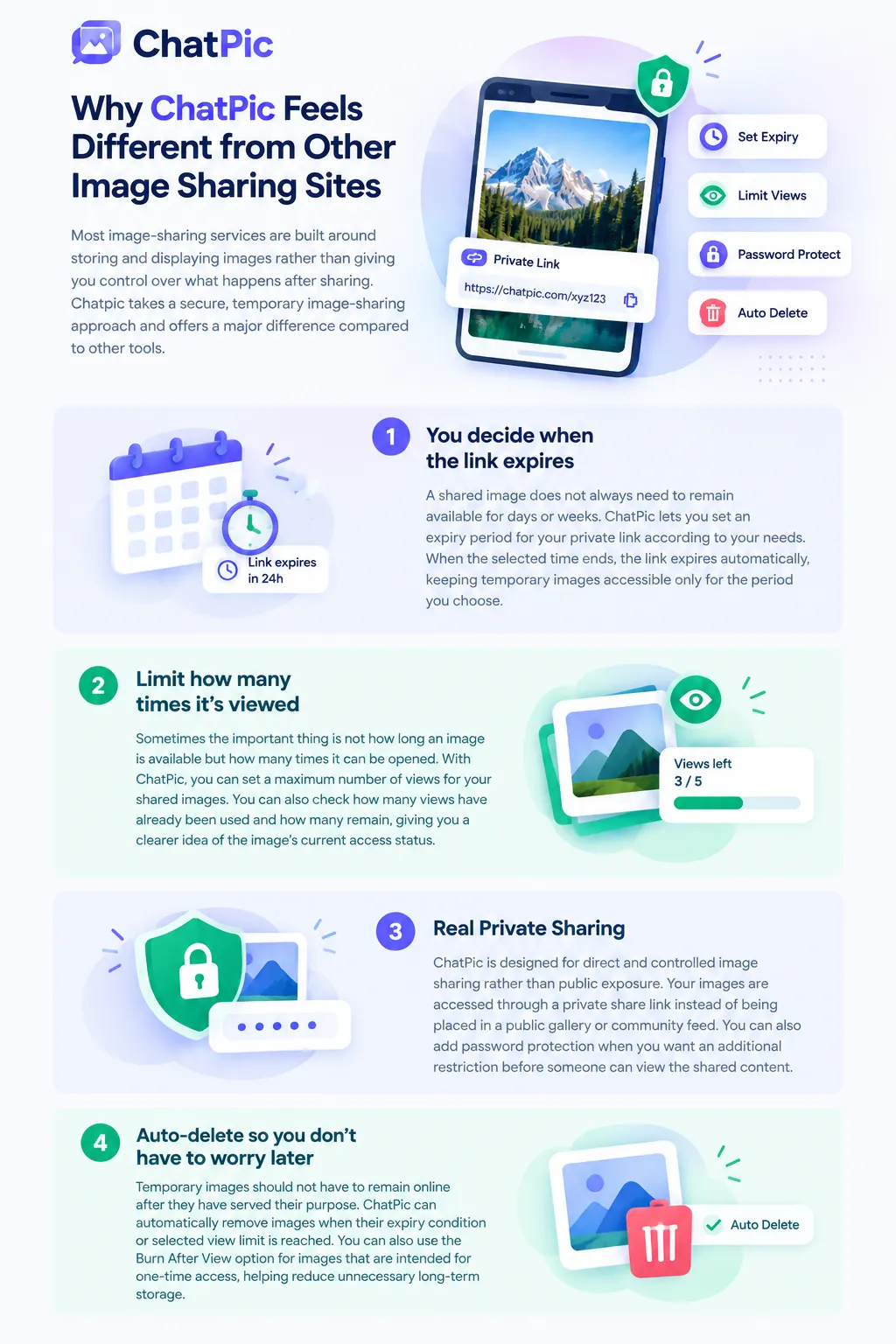
Most image-sharing services are built around storing and displaying images rather than giving you control over what happens after sharing. Chatpic takes a secure, temporary image-sharing approach and offers a major difference compared to other tools.
You decide when the link expires
A shared image does not always need to remain available for days or weeks. ChatPic lets you set an expiry period for your private link according to your needs. When the selected time ends, the link expires automatically, keeping temporary images accessible only for the period you choose.
Limit how many times it’s viewed
Sometimes the important thing is not how long an image is available but how many times it can be opened. With ChatPic, you can set a maximum number of views for your shared images. You can also check how many views have already been used and how many remain, giving you a clearer idea of the image’s current access status.
Real Private Sharing
ChatPic is designed for direct and controlled image sharing rather than public exposure. Your images are accessed through a private share link instead of being placed in a public gallery or community feed. You can also add password protection when you want an additional restriction before someone can view the shared content.
Auto-delete so you don’t have to worry later
Temporary images should not have to remain online after they have served their purpose. ChatPic can automatically remove images when their expiry condition or selected view limit is reached. You can also use the Burn After View option for images that are intended for one-time access, helping reduce unnecessary long-term storage.
Secure Private Sharing with Session ID Watermarking
The tool adds an extra layer of accountability with session-based watermarking for private image viewing. Each viewing session can display a unique identifier to help distinguish and monitor access.
Unique session ID marking
ChatPic can display a unique session ID directly on the image during secure viewing. Each viewer can receive an ID, making the viewing session easier to distinguish. This visible marking adds accountability when private images are shared with specific people.
Forensic watermarking
Watermarking adds an extra layer of protection to images that are meant for controlled viewing. ChatPic can use forensic watermarking techniques to associate image access with the viewing session. If a marked image is captured or redistributed, the watermark may provide useful information for identifying the associated session.
Private share link with secure ID
Every ChatPic share is created around a dedicated private link rather than a public image page. The link is connected to the upload session and the access controls selected by the uploader. This keeps the sharing experience focused on specific recipients instead of making the image openly discoverable.
View-first sharing
ChatPic is designed around viewing rather than unrestricted distribution. Recipients can access the image through the secure viewing page without turning the share into a public download page. Combined with expiry settings, view limits, and other controls, this approach gives the uploader more say over how shared images are accessed.
Private Share Analytics Dashboard (Track & Manage Your Uploads)
ChatPic gives you a private dashboard where you can monitor and control each image share after uploading. It keeps important sharing details and management options available in one place.

Share analytics overview
You can quickly check the current status of your share without opening the image link. The dashboard shows total views, remaining views, number of shared images, and countries reached. This gives you a clear picture of how your images are being accessed.
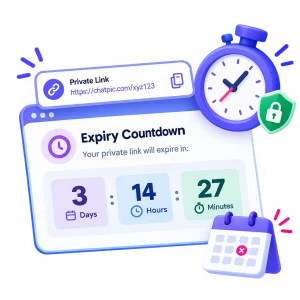
Expiry countdown
Never wonder how much longer your private link will remain active. ChatPic displays the remaining time with a live countdown in days, hours, and minutes. You can use this information to know exactly when access is scheduled to end.

Share link controls
The dashboard keeps your private share link readily accessible after you create it. You can copy the link whenever you need to send it to another recipient. You can also open the secure viewing page directly from your dashboard.
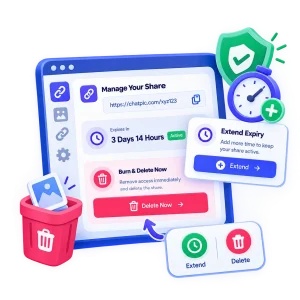
Manage your share
Your control does not end after creating the share. ChatPic lets you extend the expiry period when additional access time is required. If you want to remove access immediately, you can use Burn & Delete Now to delete the share.
How ChatPic Works
ChatPic keeps private image sharing straightforward from upload to final deletion. Follow these simple steps to create a controlled image share.
01
Upload up to 10 images
First, choose the images you want to send. You can upload up to 10 images in one share, with each image supporting a maximum size of 25 MB. So if you have several photos or screenshots to share, there is no need to create separate links for each one.
02
Set access controls
This is where you get to decide how the share works. Pick an expiry time, set a maximum number of views, or add password protection if you want an extra layer of privacy. You can set these options before generating the link, so the images are shared according to your preferences.
03
Generate a private ChatPic link
Once your settings are ready, simply create the share. ChatPic generates a private link that takes the recipient directly to the secure viewing page. Copy it, send it to the person you want, and your images are ready to be viewed.
04
Share and track activity
After sending the link, you can still keep an eye on the share. Your private dashboard shows useful details such as total views, views remaining, countries reached, and time left before expiry. This means you can see what is happening instead of simply sending the link and forgetting about it.
05
Manage or burn the share
Need to keep the images available a little longer? You can extend the expiry from your dashboard. If you are finished sharing and want the images gone right away, just use Burn & Delete Now to remove the share and stop access immediately.
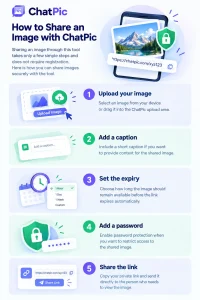
How to share an image with ChatPic
Sharing an image through this tool takes only a few simple steps and does not require registration. Here is how you can share images securely with this tool.
ChatPic vs Other Image Sharing Tools
There are plenty of ways to send an image online, but each option works better for a different purpose. If you want public exposure, long-term hosting, or private temporary sharing, the right choice depends on what you need.
| Feature | ChatPic | Imgur | ImgBB | Google Drive |
|---|---|---|---|---|
| Account needed | No | Some features | No | Yes |
| Temporary links | Yes | No | No | No |
| View limits | Yes | No | No | No |
| Password protection | Yes | No | No | Limited |
| Auto-delete | Yes | No | No | No |
| Private sharing | Yes | Limited | Limited | Yes |
| Share analytics | Yes | Limited | Limited | Limited |
| Best for | Temporary private sharing | Public image sharing | Image hosting | Cloud storage |
Pros and Cons of ChatPic
ChatPic offers several useful controls for people who want temporary and private image sharing. Like any tool, it also has a few limitations that are worth considering before using it.
PROS
- Free to use
- No registration required
- Private sharing links
- Custom link expiration
- View limits available
- Optional password protection
- Auto-delete and Burn After View
- Session ID watermarking
- Private analytics dashboard
CONS
- Not designed for permanent image storage
- Maximum 10 images per share
- 25 MB maximum per image
- Requires bookmarking the dashboard link
- Mainly focused on temporary sharing
- Not a public image-sharing platform
Why use ChatPic instead of WhatsApp or Email
WhatsApp and Email are great for everyday communication, but they are not specifically built for temporary image sharing. Once you send an image, you have limited control over how long it remains accessible or how many times it can be viewed. ChatPic is designed for exactly these situations, giving you options such as expiring links, view limits, password protection, and auto-delete. This makes it a better choice when you want to share an image without leaving it available indefinitely.
FAQs
Final Words
To conclude, ChatPic is a practical private image-sharing tool that gives you better control over how images are shared. With expiring links, view limits, password protection, auto-delete, and session ID watermarking, it keeps temporary sharing simple and controlled. Its private dashboard also helps you monitor views, check expiry time, and manage your active shares. If you want an easy way to share images without leaving them accessible indefinitely, ChatPic is worth trying.